Start with a title
Only a name is required. The type is whatever you call it — book, ferment, field recording — and you can change your mind later.
Coming soon A home for everything you know
Metanarium is a self-hosted library for everything you keep — books and records, recipes and tools, heirlooms, trips and half-finished ideas. Give anything a name, describe it in your own words, and find it again.
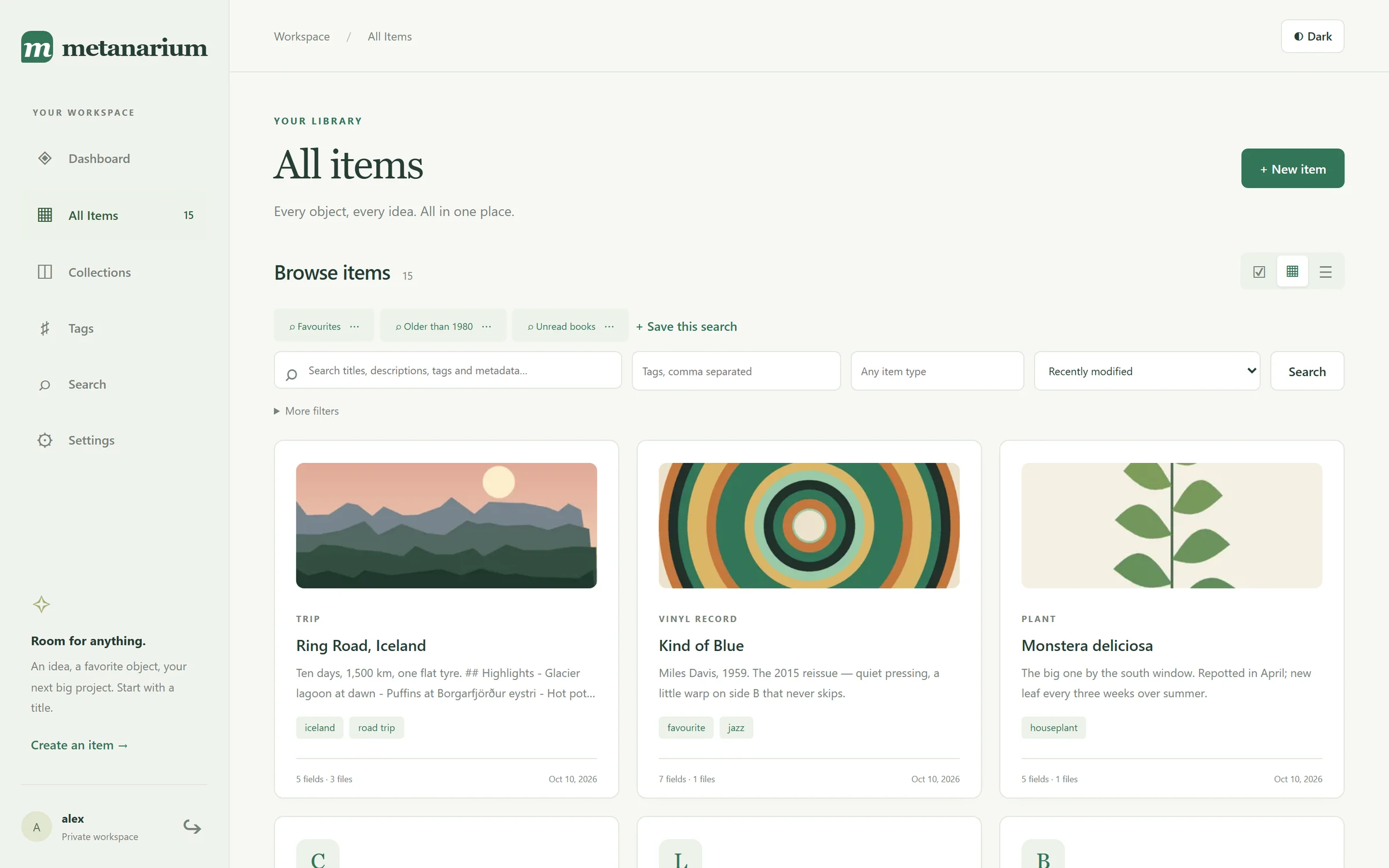
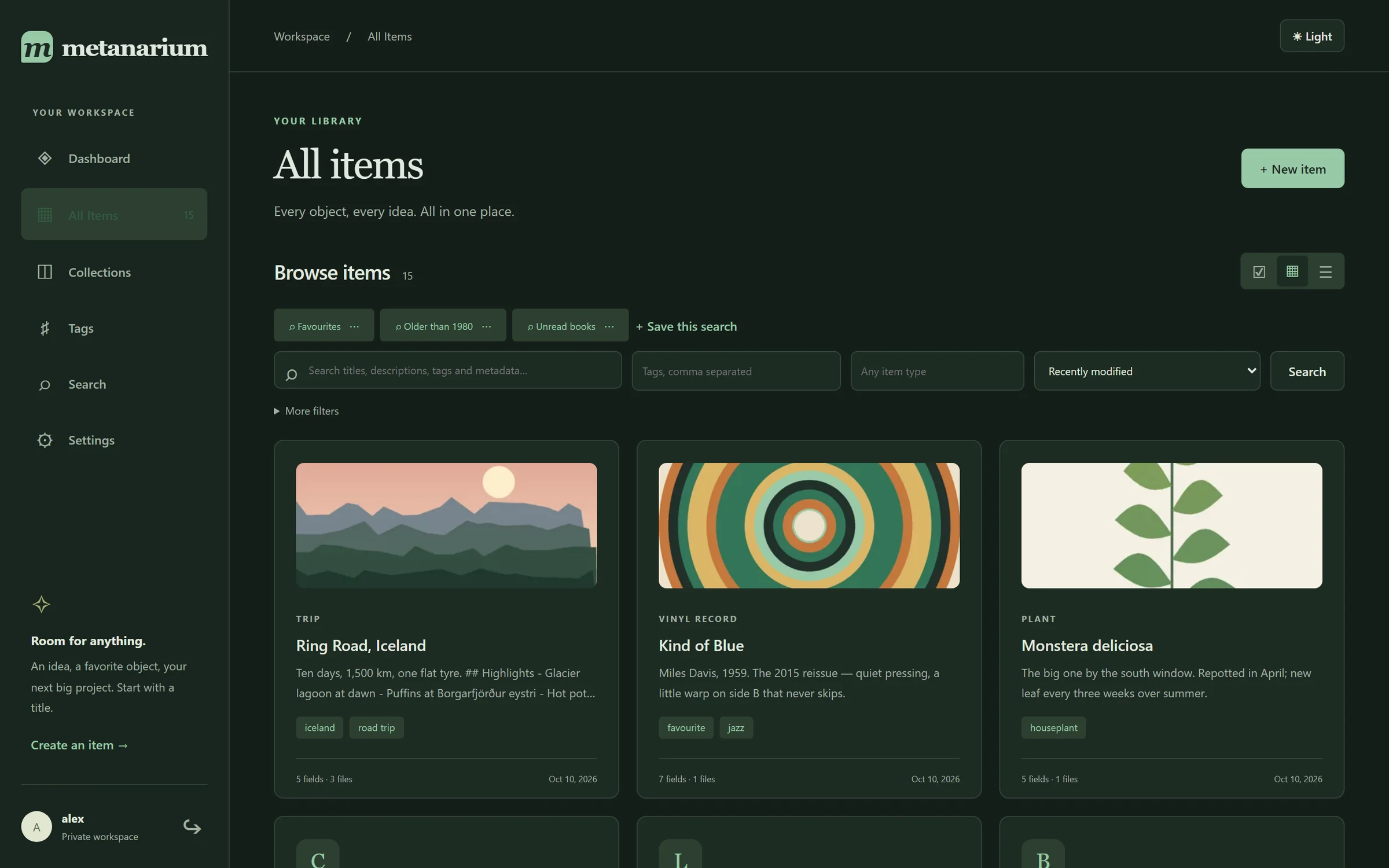
Store anything.
Describe everything.
Find it again.
No template required
Most collection apps decide for you what a book, a plant or a camera should look like. Metanarium doesn't. Every item starts with just a name — the rest is up to you.
Only a name is required. The type is whatever you call it — book, ferment, field recording — and you can change your mind later.
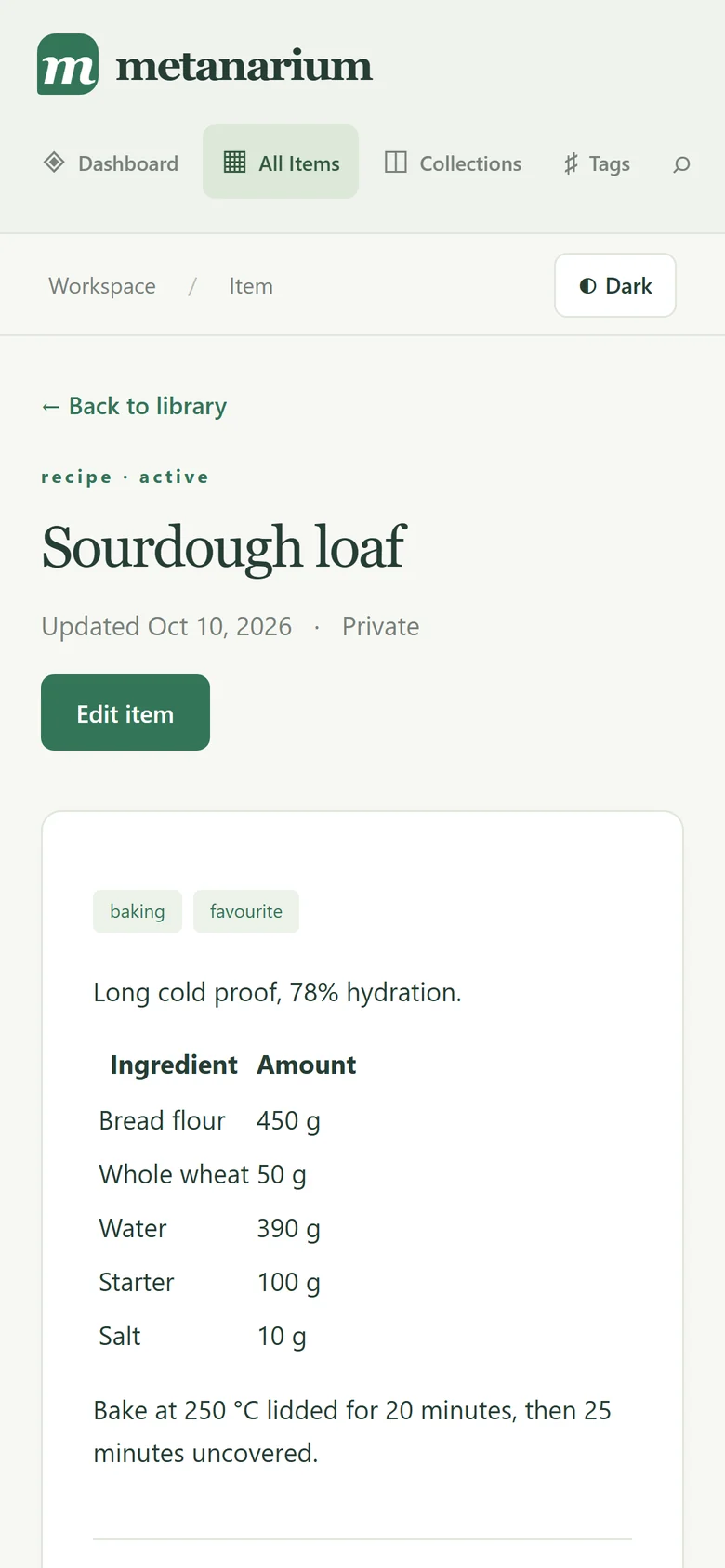
Add the fields that matter for this thing: text, numbers, yes/no, dates, links, lists and nested details. Write notes in Markdown, with headings, tables and quotes.
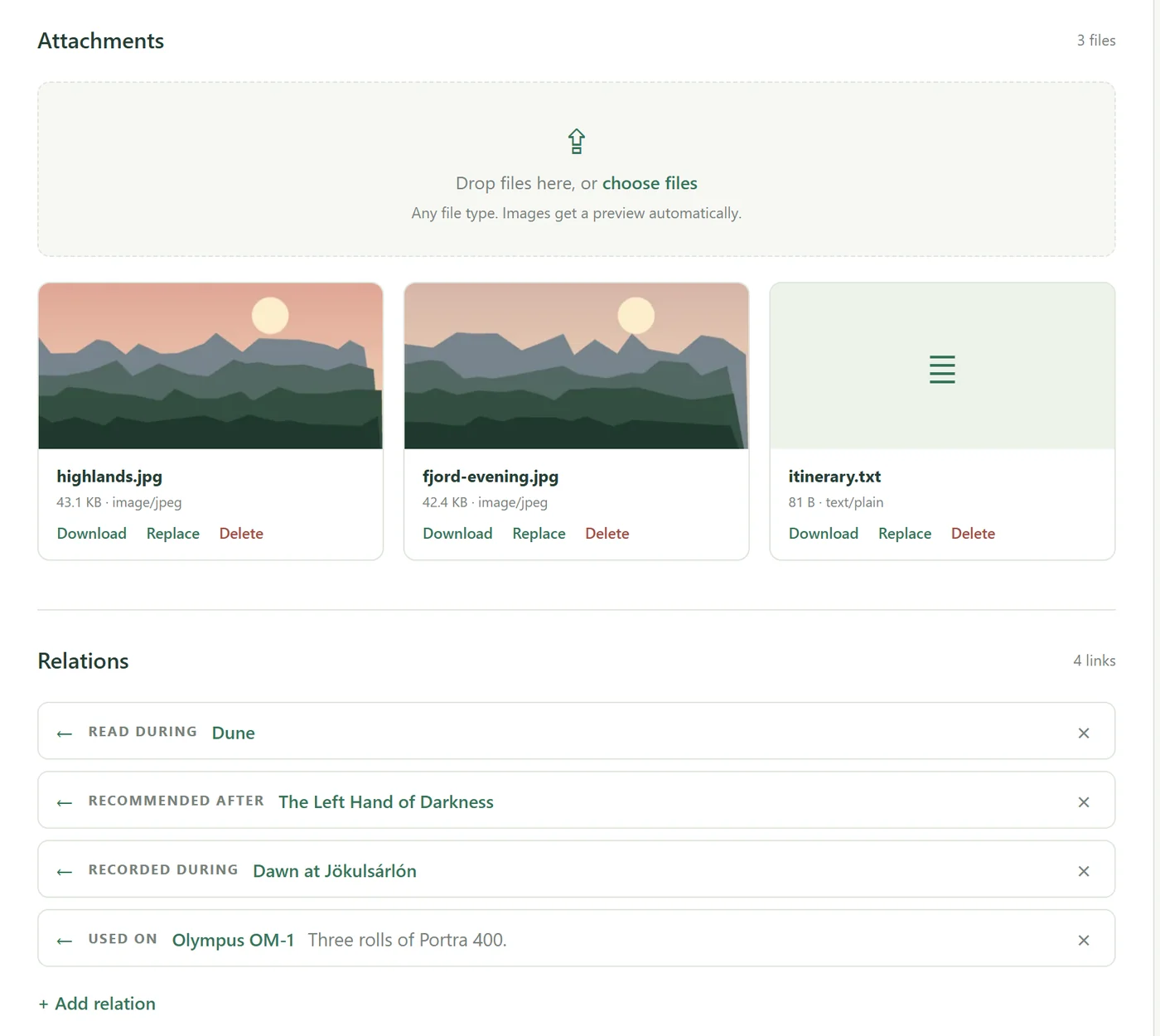
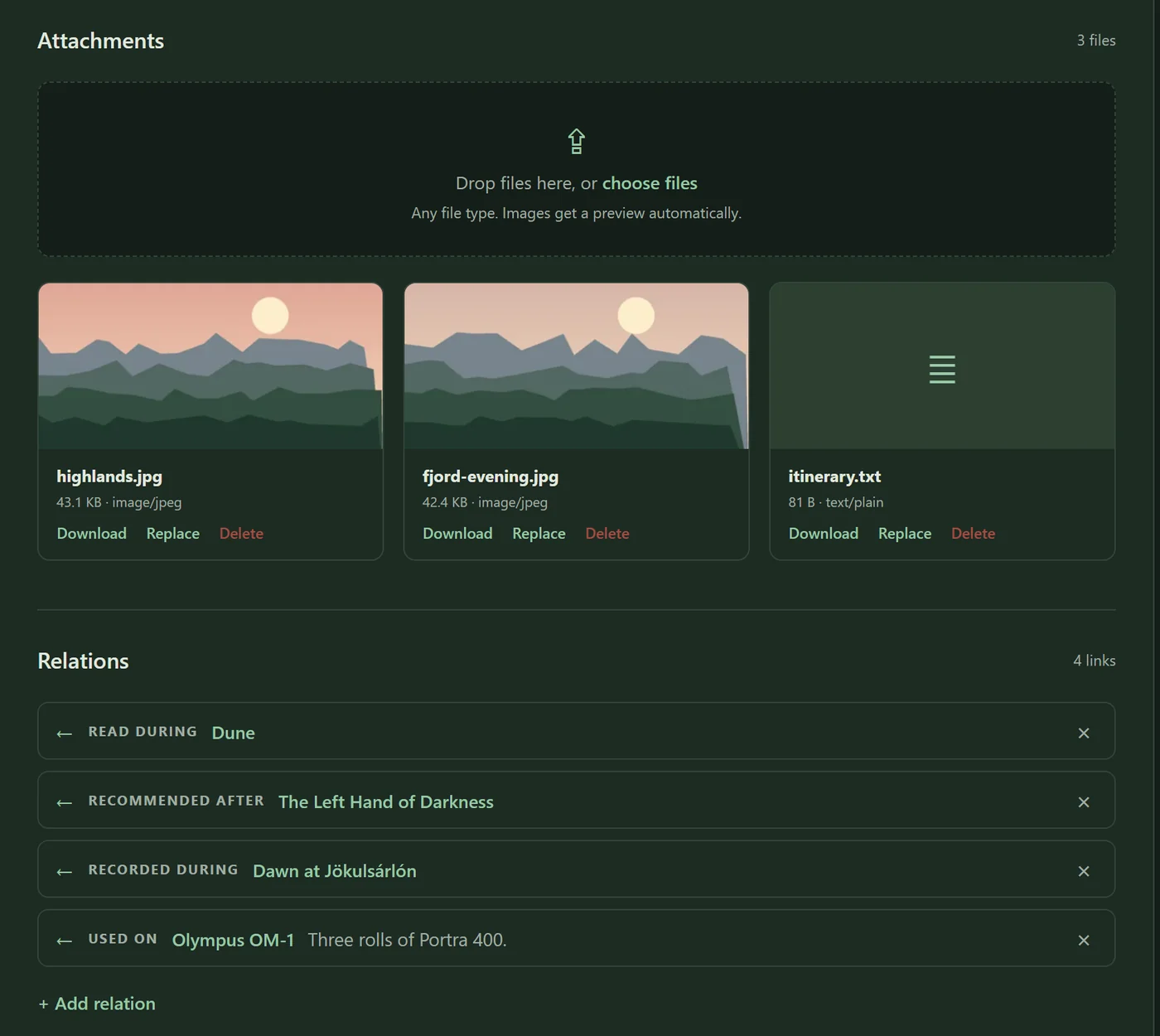
Drop in photos, scans, PDFs, audio or video. Images get thumbnails, and PDFs, text, audio and video preview right in the page.
Describe
A trip has dates, a distance and who came along. A record has a label, a speed and a track list. Metanarium stores each item's own fields as structured data, so they stay searchable and sortable — not buried in a note.
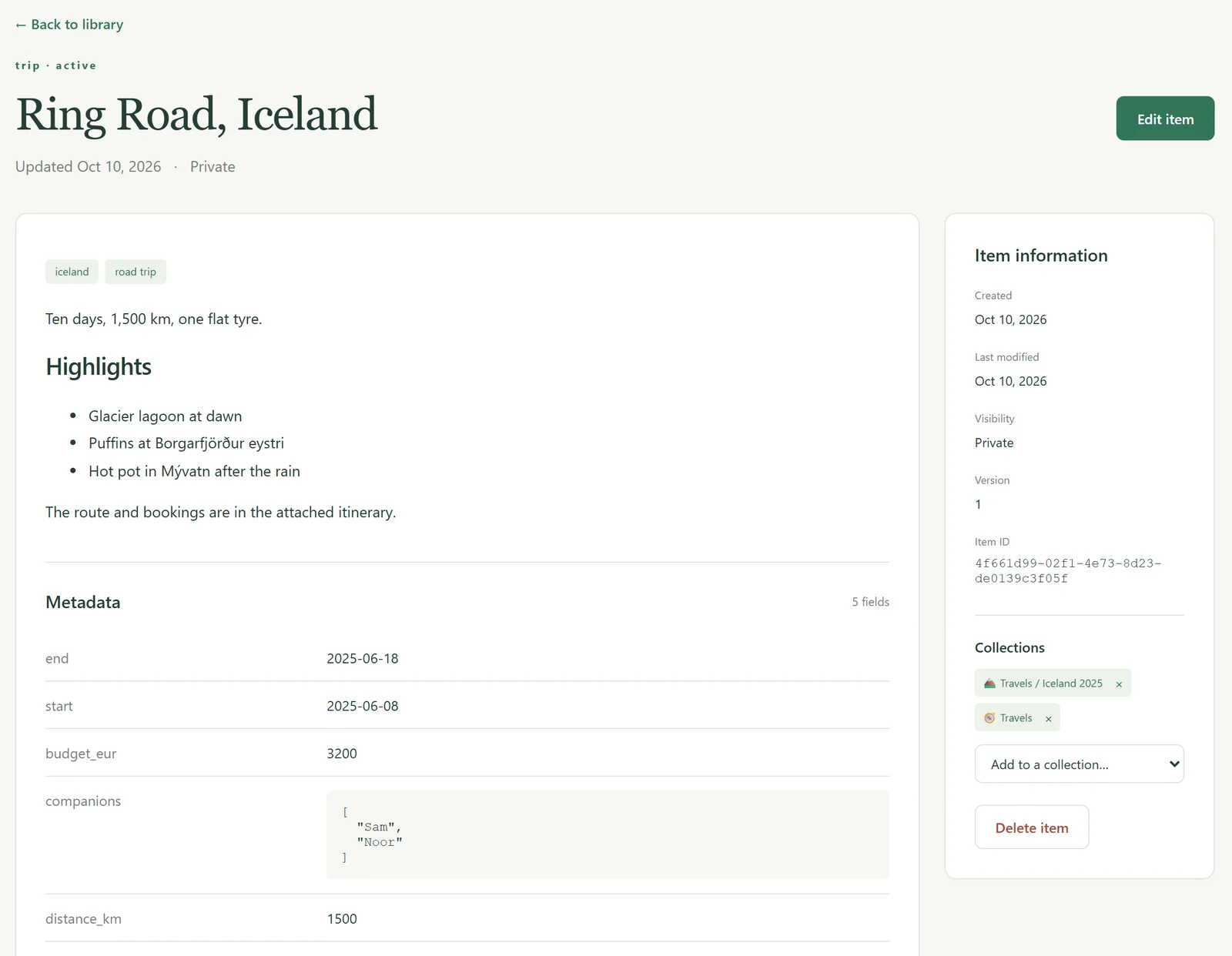
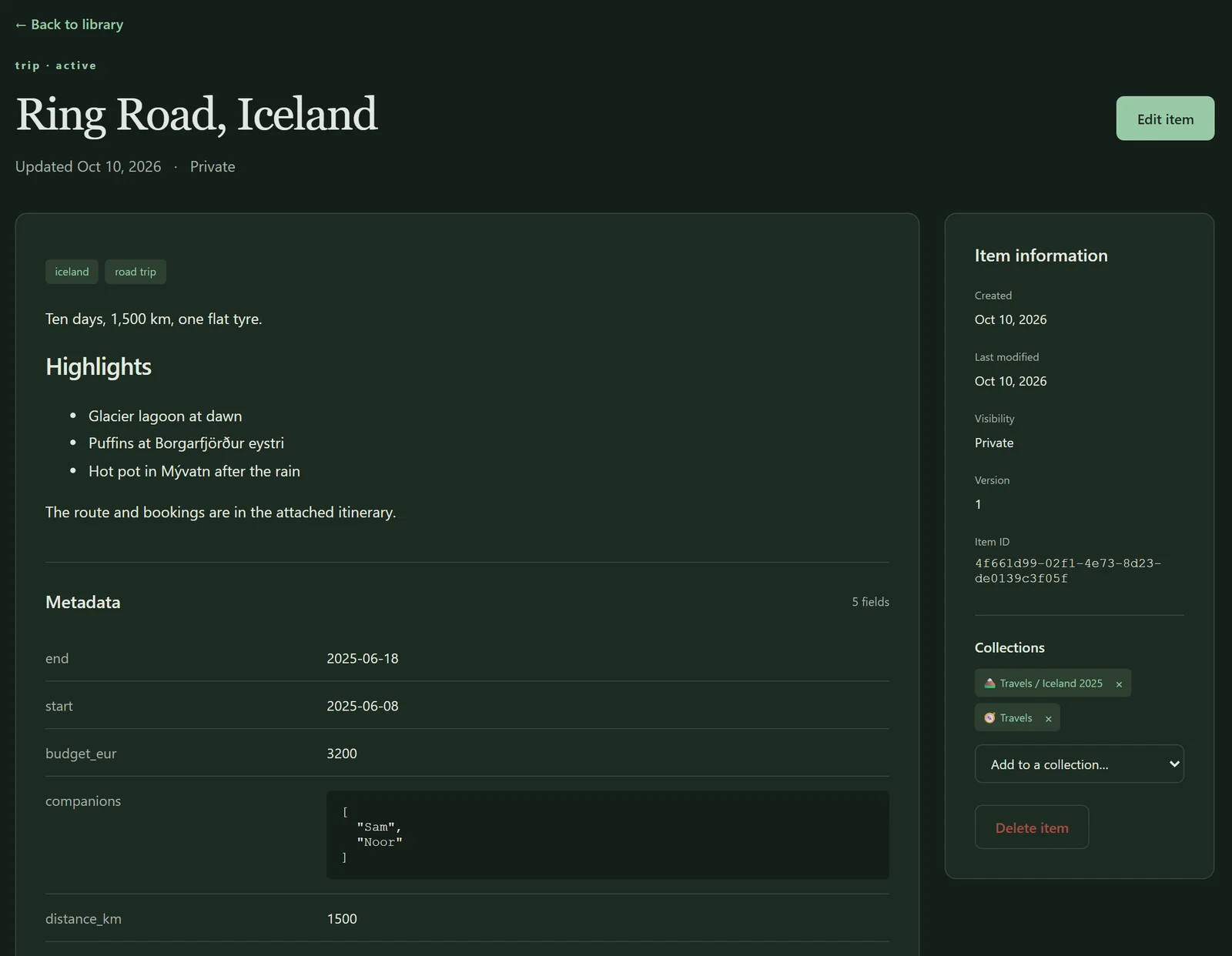
Organise
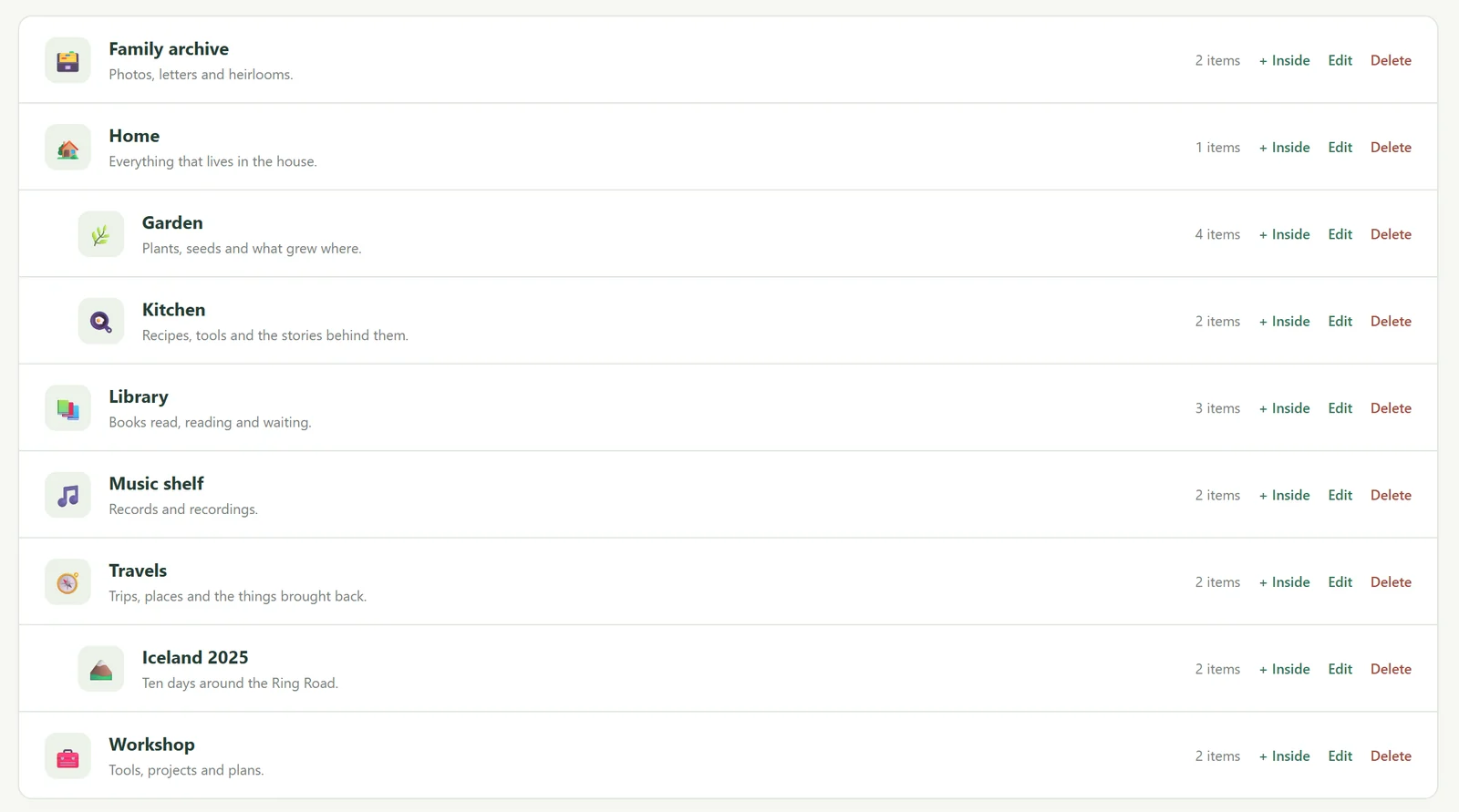
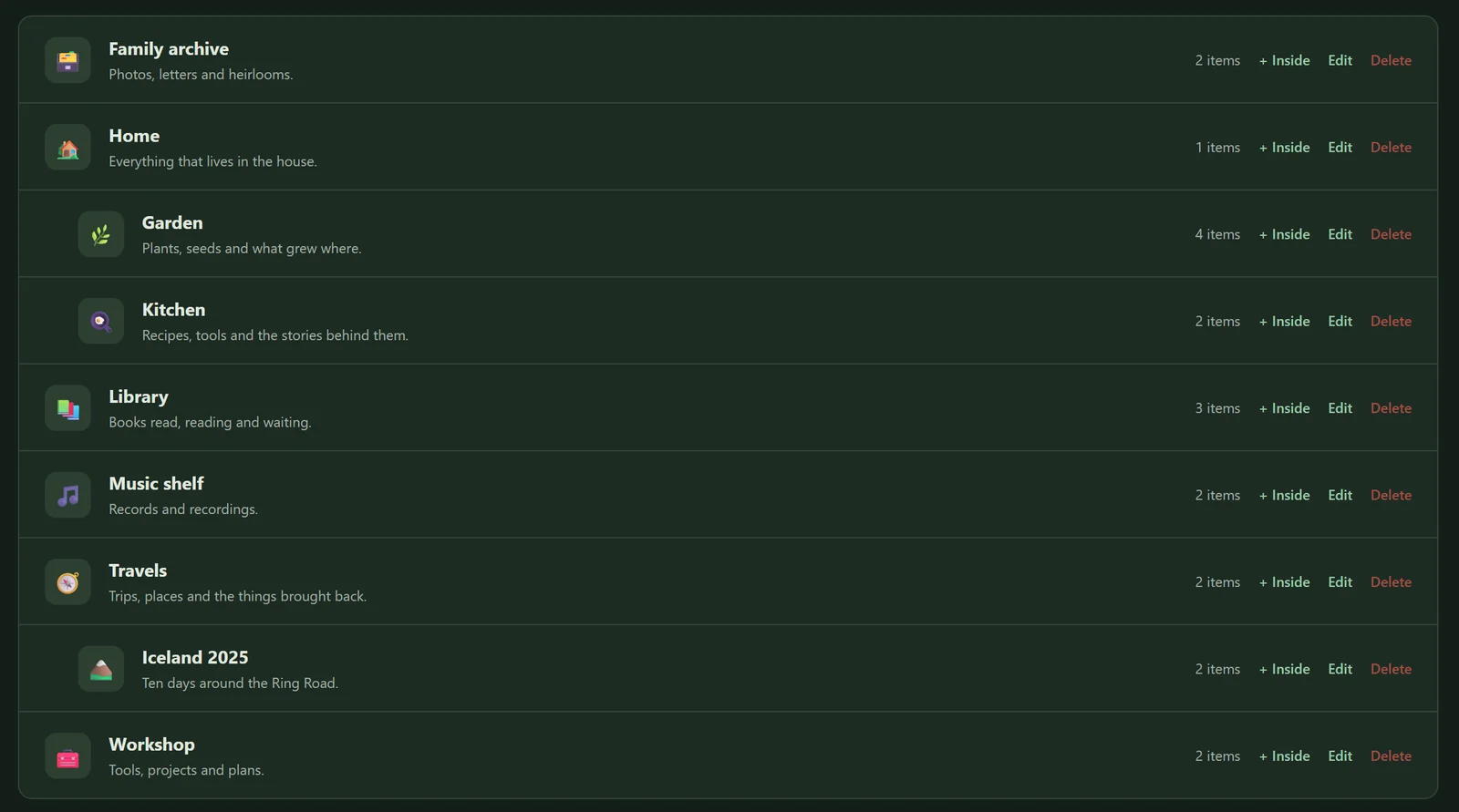
Group items into collections, nest them as deep as you like, and put one item on as many shelves as it belongs on. The sourdough recipe can live in Kitchen and in Favourites without being copied.
Connect
The book you read on the trip, the camera that took the photos, the starter the bread needs. Link items with relations you name yourself, and see them from both sides. Rename an item and every link still points to it.
Find
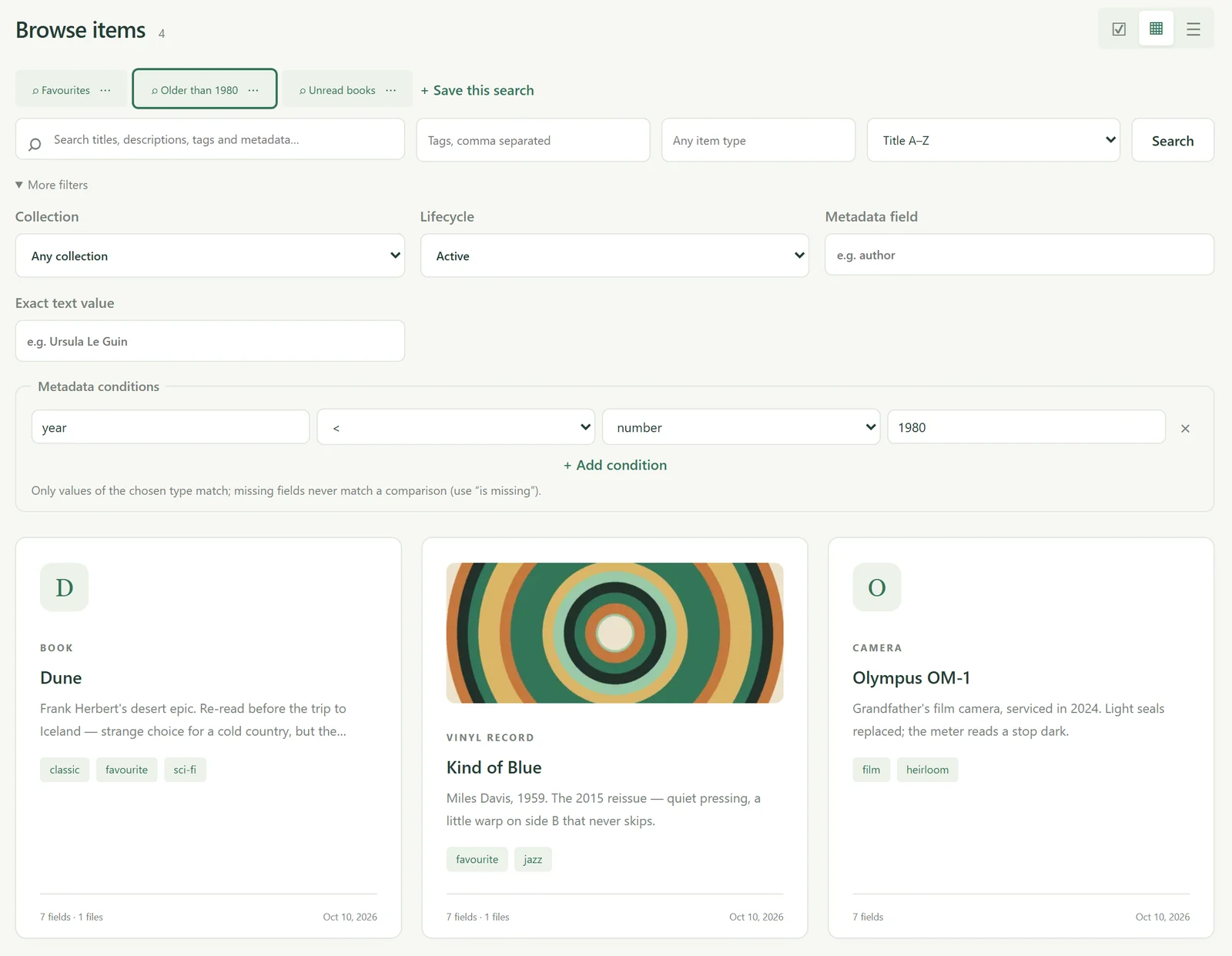
Search reads titles, notes and every field value, with title matches first. When a keyword isn't enough, add conditions: everything from before 1980, every book you haven't read, every tool bought before 2020. Save the search and run it again with one click.
Anywhere
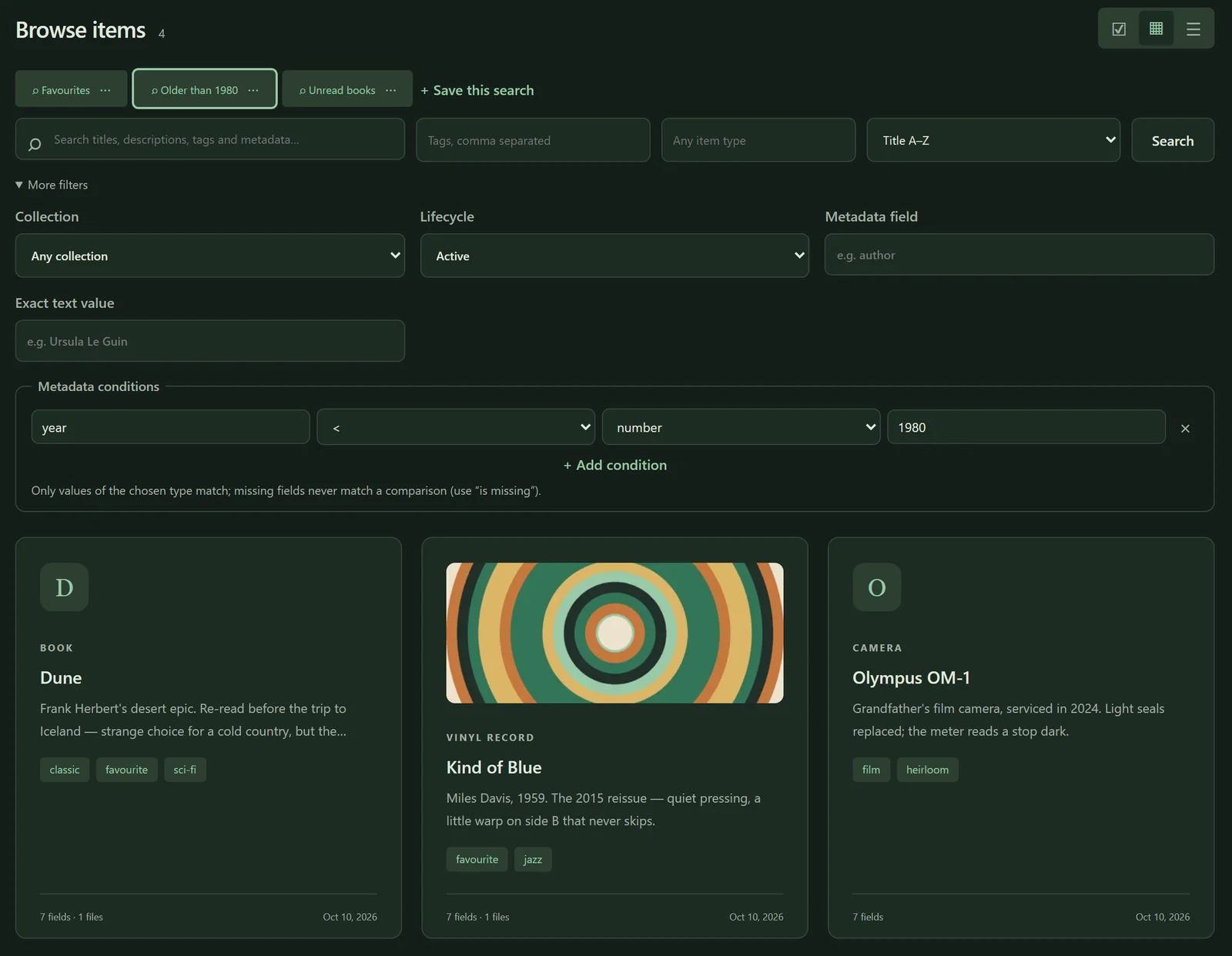
Metanarium works in any modern browser, from a wide monitor to a phone propped against the flour jar. Light and dark themes included.
AI access
Metanarium includes a built-in MCP server, so AI assistants that support remote MCP can search your library, add items and keep them up to date — through the same rules as the web app.
search_items to merge_tags{
"mcpServers": {
"metanarium": {
"type": "http",
"url": "https://your-library.example/mcp/",
"headers": {
"Authorization": "Bearer <your-token>"
}
}
}
}Built to last
Export the whole library — items, fields, tags, collections, relations and every file — as one archive. Import it elsewhere with each file checked against its fingerprint.
Import a library as a copy with new identities, reusing tags you already have. A preview shows exactly what will change before anything does.
Edit the same item in two tabs and Metanarium notices, instead of silently keeping whichever saved last.
Deleted items go to the trash with their files and links intact. Restore them, or remove them for good when you're sure.
Bulk changes and imports either apply completely or not at all. No half-finished library after an error.
Every account sees only its own library. Sessions can be revoked, and new sign-ups can be switched off once everyone is in.
Self-hosted
Metanarium runs on a machine you control — a home server, a NAS or a small cloud server. Your library lives in your own PostgreSQL database and your files on your own disk. There is no account with us and nothing to sync to someone else's cloud.
Metanarium is in active development. A public release is on its way.